Do I need ChatGPT?
No. You use your Nail Tech PA directly inside Digital Cove. You do not need your own ChatGPT subscription.
Do I need to change my booking system?
No. Keep Fresha, Booksy, Treatwell, your own calendar or whatever already works. Save the correct booking link, WhatsApp number, phone route or Instagram DM route and the PA uses that context instead of inventing a generic CTA.
Can it connect to my calendar?
You do not need a connected calendar to use Nail Tech PA. For launch, it safely works alongside your diary and asks for the confirmed live slots it needs. Connected diary access is treated as available only after a connection completes successfully; the PA never assumes an appointment is free.
What happens to my nail photos?
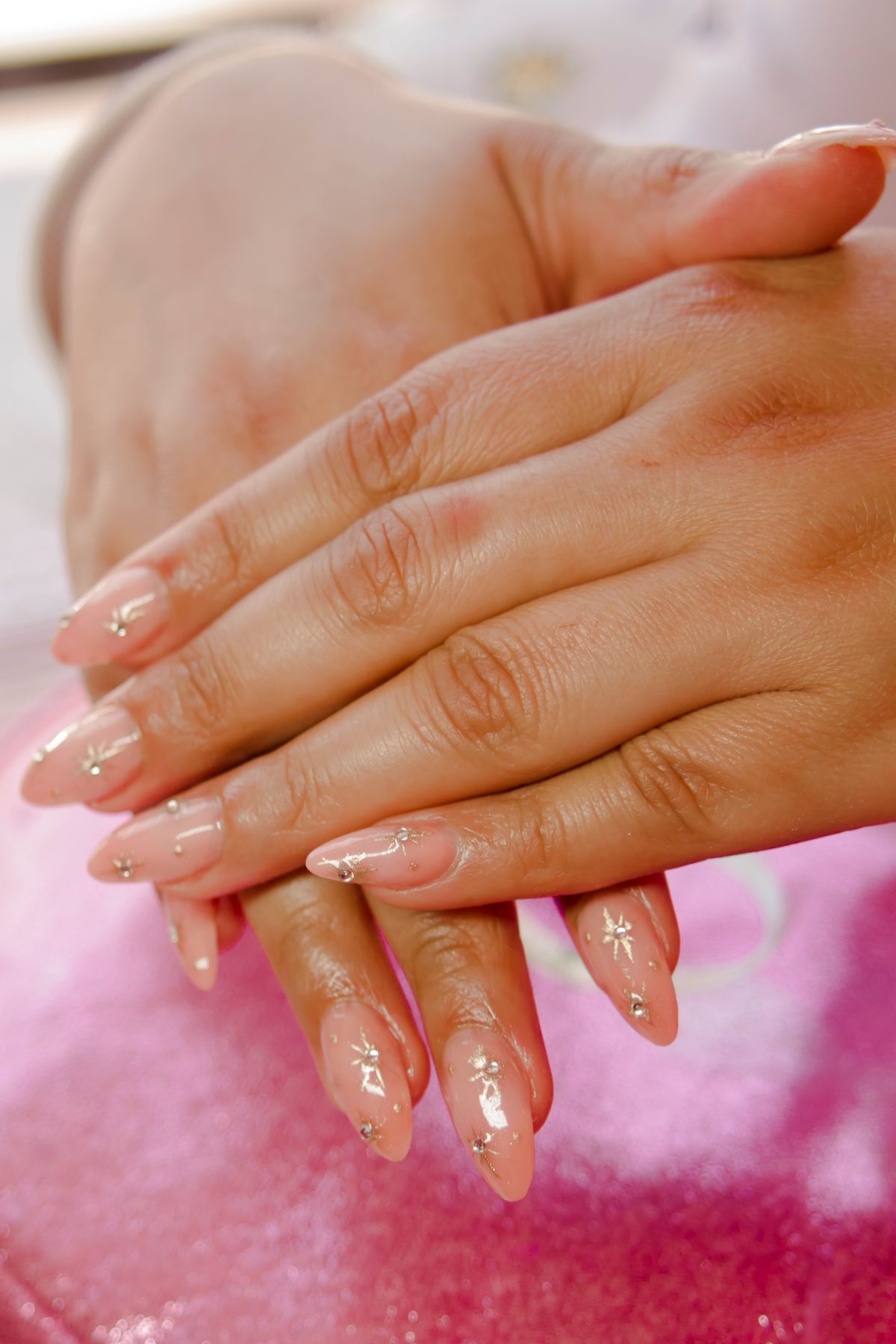
Photos you send through the PA are stored privately as your business assets so the same real work can be reused later without another upload. Only use photos you have the right and client permission to use.
Does it edit my Instagram photos?
That is not the point. Instagram already has good creation tools. The PA keeps your real work truthful and adds the decision, caption, booking context and useful cross-channel reuse.
Can it post to Google or Pinterest?
The PA can prepare channel-specific versions now. Automatic publishing is only offered where your account is connected and the relevant platform access is live; it will never claim something was published when it was not.
What does Pinterest Prep include?
When a Pinterest version is useful, the PA prepares the 2:3 image plus the Pin title, description, relevant keywords, destination, board suggestion and image alt text. You confirm the final details before publishing.
Am I still in control?
Yes. The PA helps decide, draft and prepare, and it can automate repeatable work once a live connection supports it. You remain in control of your business and what gets published.
What are credits for?
Credits cover meaningful AI work such as analysing a situation, writing or adapting content and making a recommendation. Viewing your stored work or navigating the app should not feel like paying for busywork.
What happens when I run out?
Your saved business access does not disappear. Nail Tech PA shows an Add credits option and you can choose a 25- or 60-credit top-up. Monthly customers can top up without changing their subscription; PAYG customers stay PAYG.
Do I have to subscribe?
No. Choose PAYG for ongoing access with 100 starter credits and no automatic renewal, or choose the monthly plan if you want 150 credits refreshed each billing period.
Can I cancel?
If you choose the $25 monthly option, you can stop future renewal and keep access through the paid billing period. PAYG does not renew automatically.
How do I keep it on my phone?
After the two-minute setup, the app shows the install steps. On iPhone use Safari → Share → Add to Home Screen. On Android use Chrome → menu → Add to Home screen / Install app.
How do I get human help?
If something is not working or you are unsure how to use the PA, email salessupport@thedigitalcove.co.uk. The same support route is available inside the PA and in your welcome email.